Your work at a glance
- Deliveries: see what is coming to you.
- Track: see where the vehicle is.
- Unload and check the goods.
- Send the proof of delivery with a photo.
1. Sign in
- Open ibidlogistics.com/login on the computer, or the iBidLogistics app on the phone.
- Enter your registered mobile number and press Request OTP.
- Enter the OTP that comes by SMS and press Login.
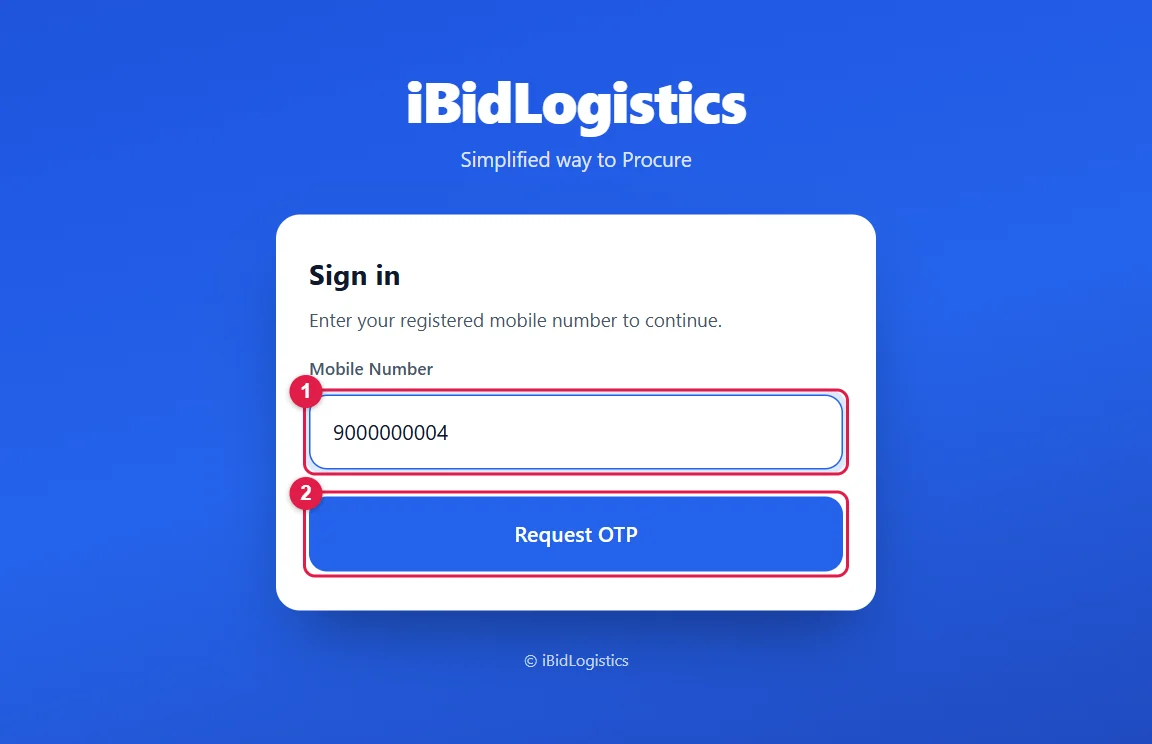
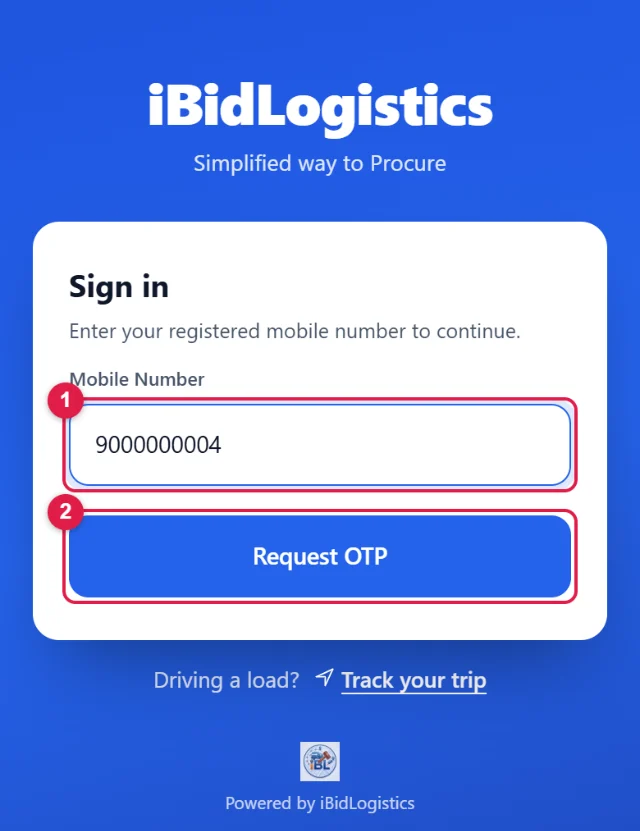
You stay signed in. Do not share your OTP with anyone.
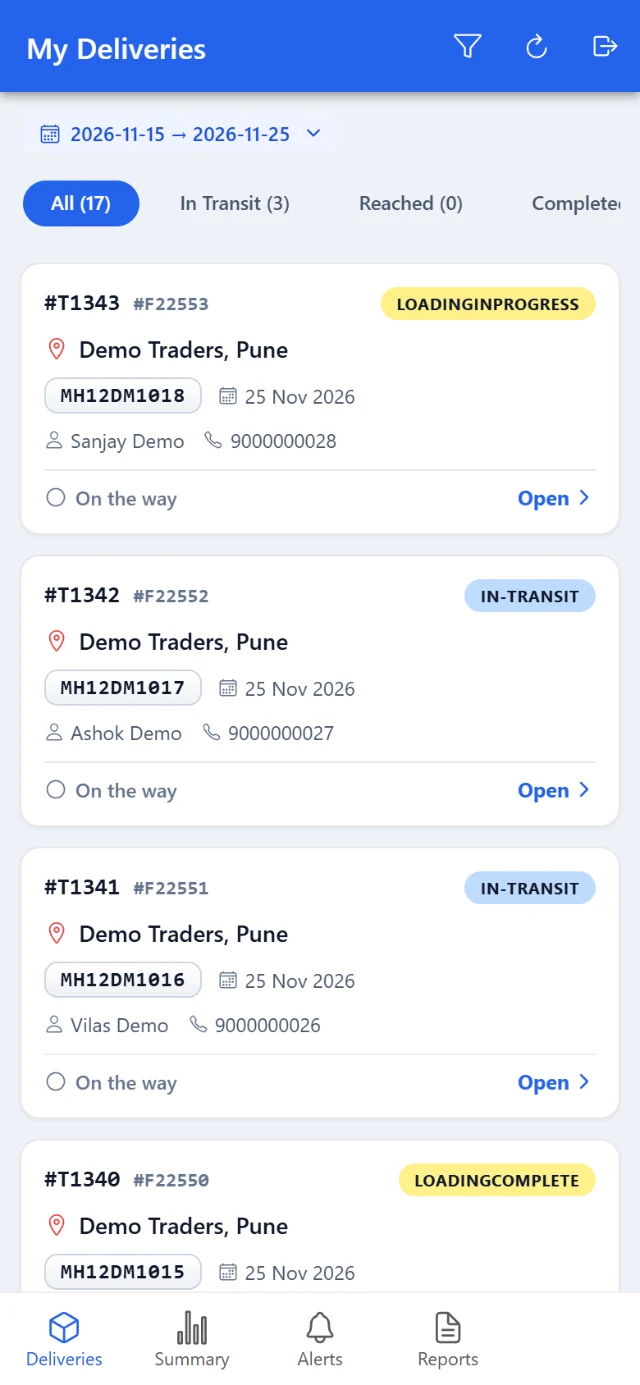
2. Your deliveries
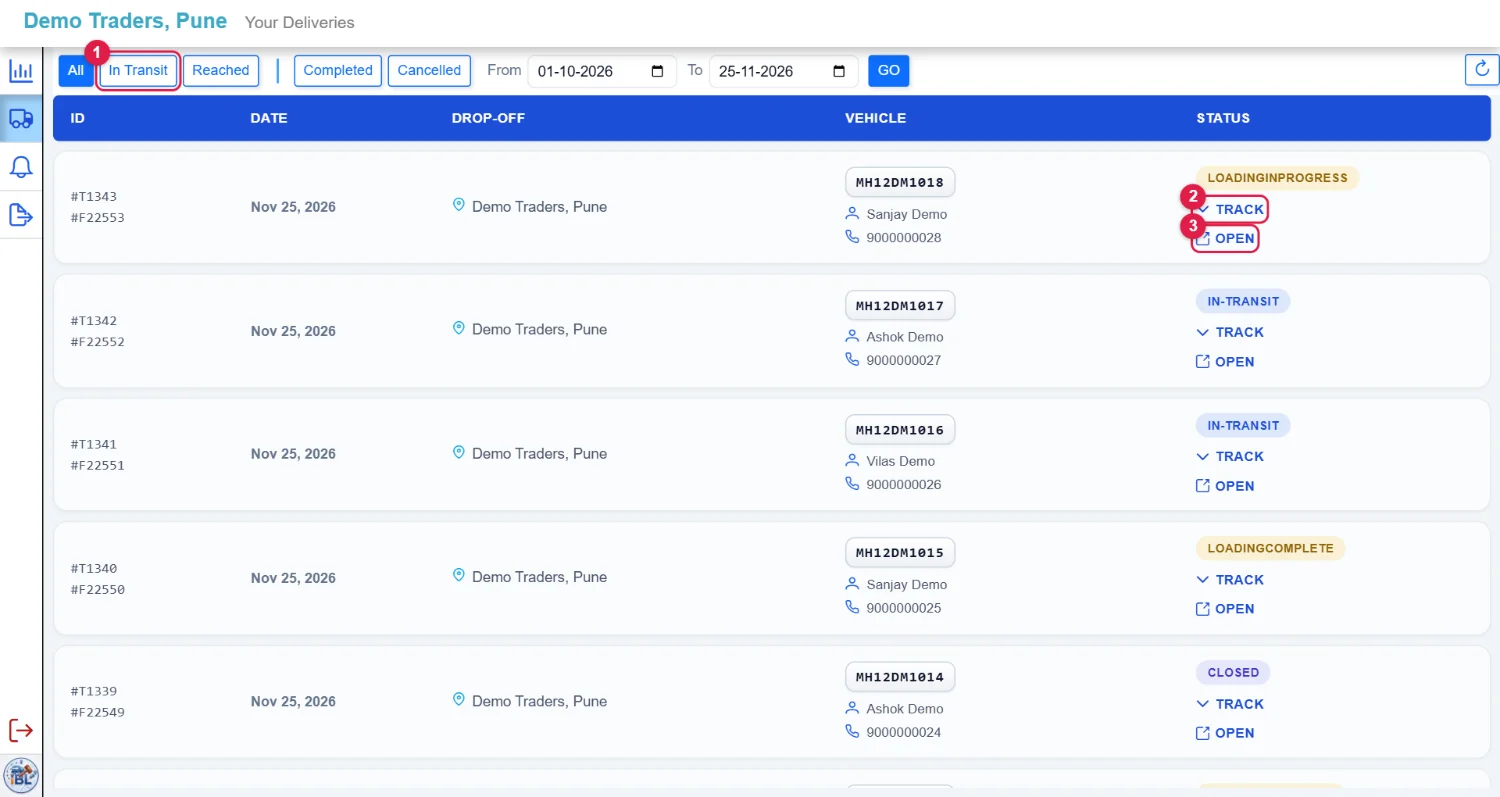
You see every vehicle that is coming to you. In Transit shows the ones on the road.
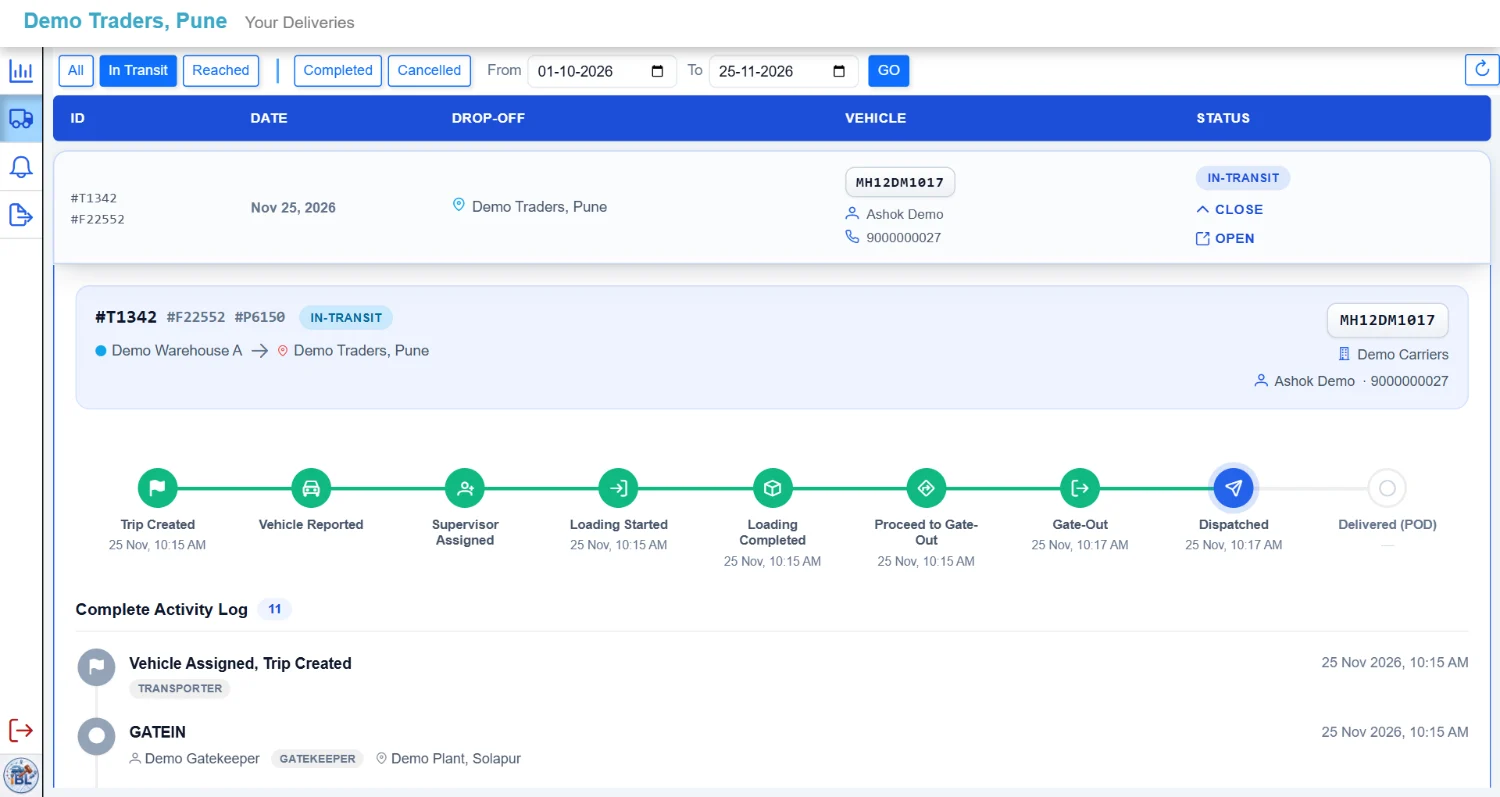
3. Follow the vehicle
Track shows the journey, step by step.
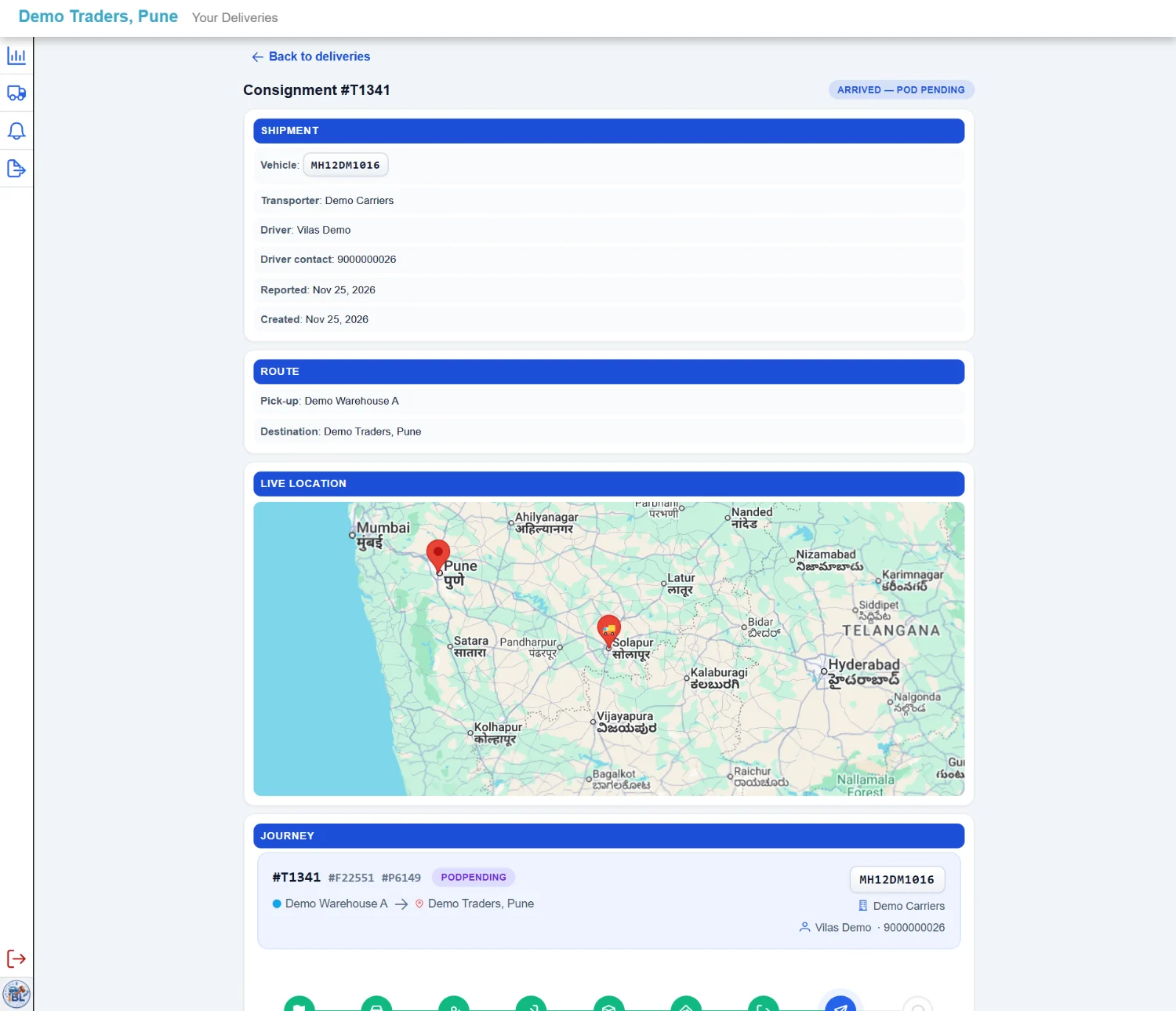
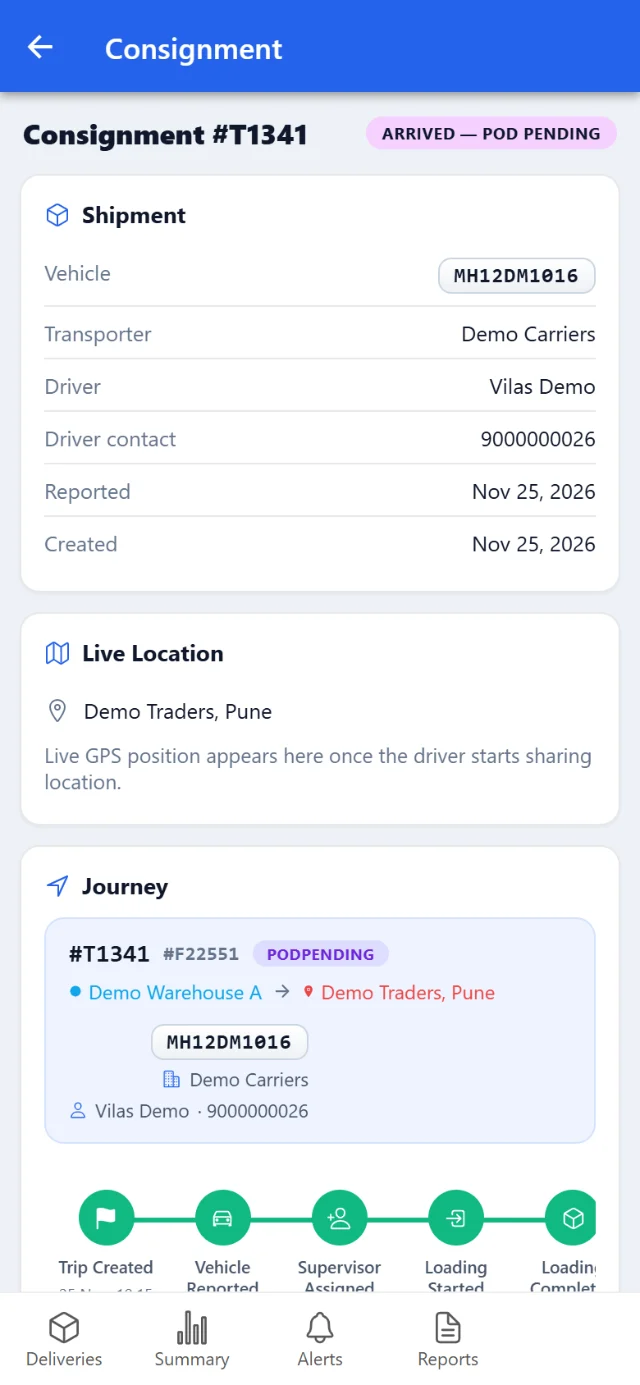
Open shows the vehicle, the driver's number and the live location on the map.
4. Send the proof of delivery
- When the vehicle has arrived, open the delivery and go to Proof of Delivery.
- Add a clear photo of the signed paper, and the GRN number if you have one.
- If something is short or damaged, choose the condition, tick Raise an issue and write it.
- Press Submit. The company checks it.
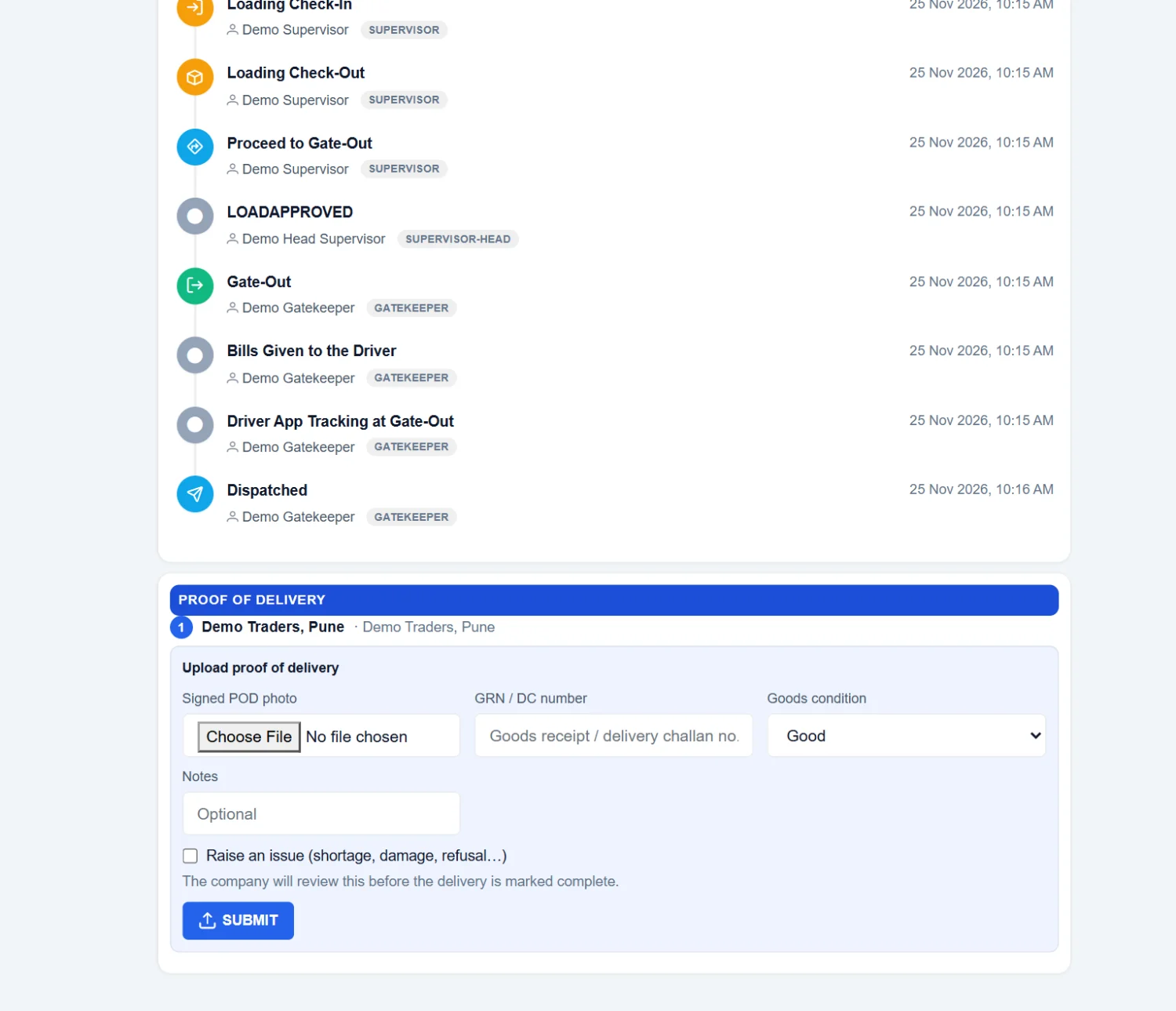
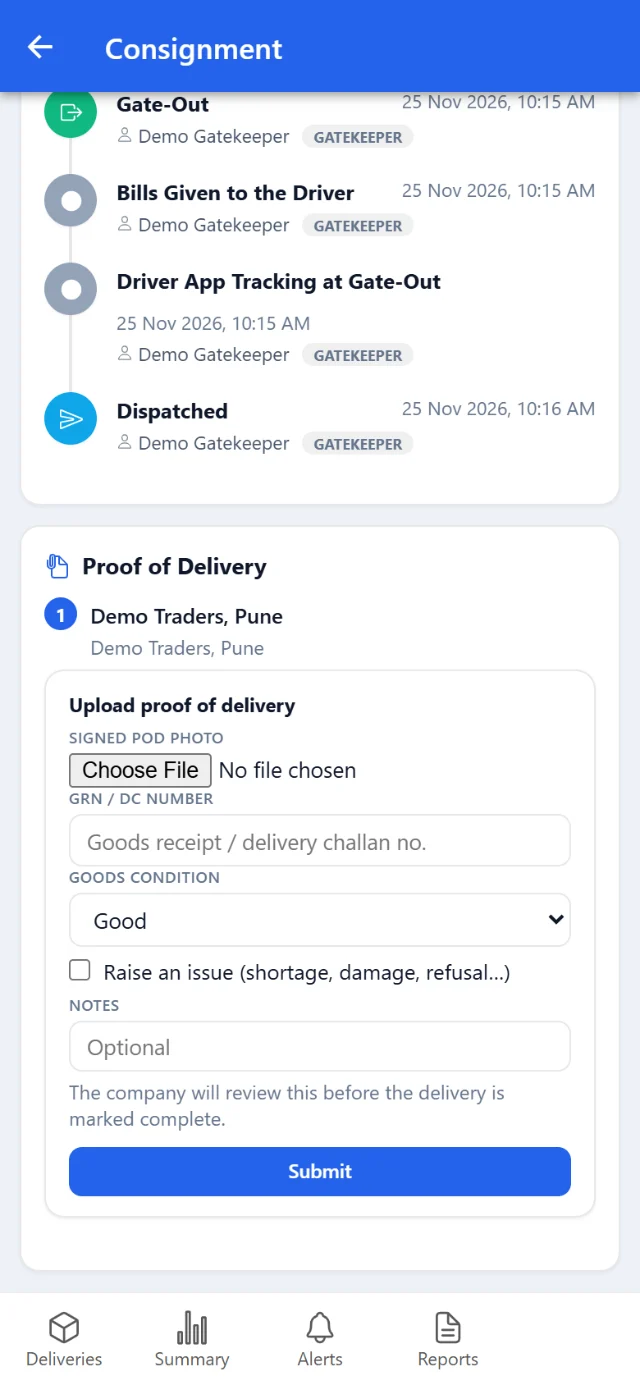
The driver can also send the photo. One proof for each delivery is enough.
5. Overview, notifications and reports
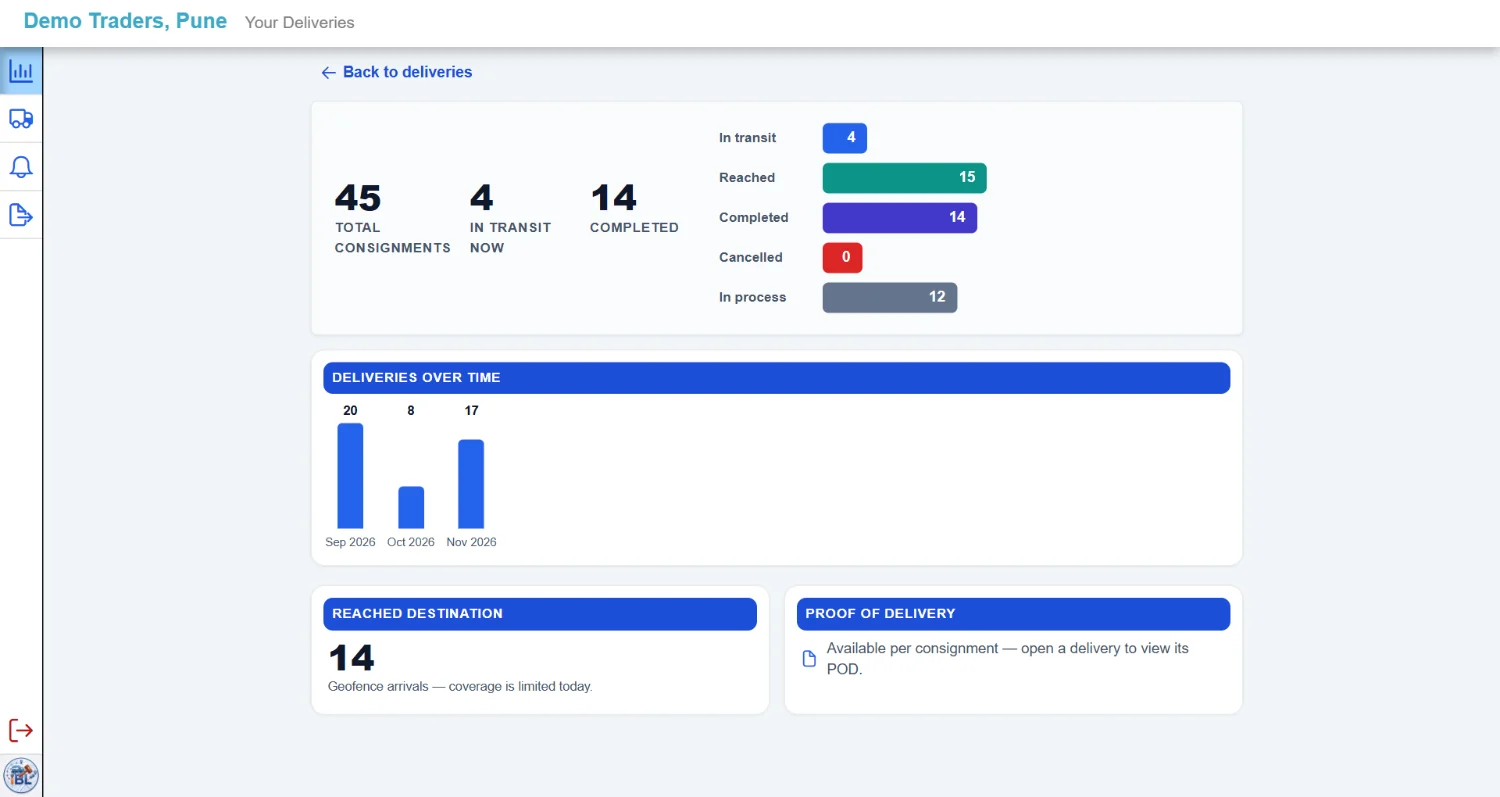
Overview shows how many deliveries are on the way and complete.
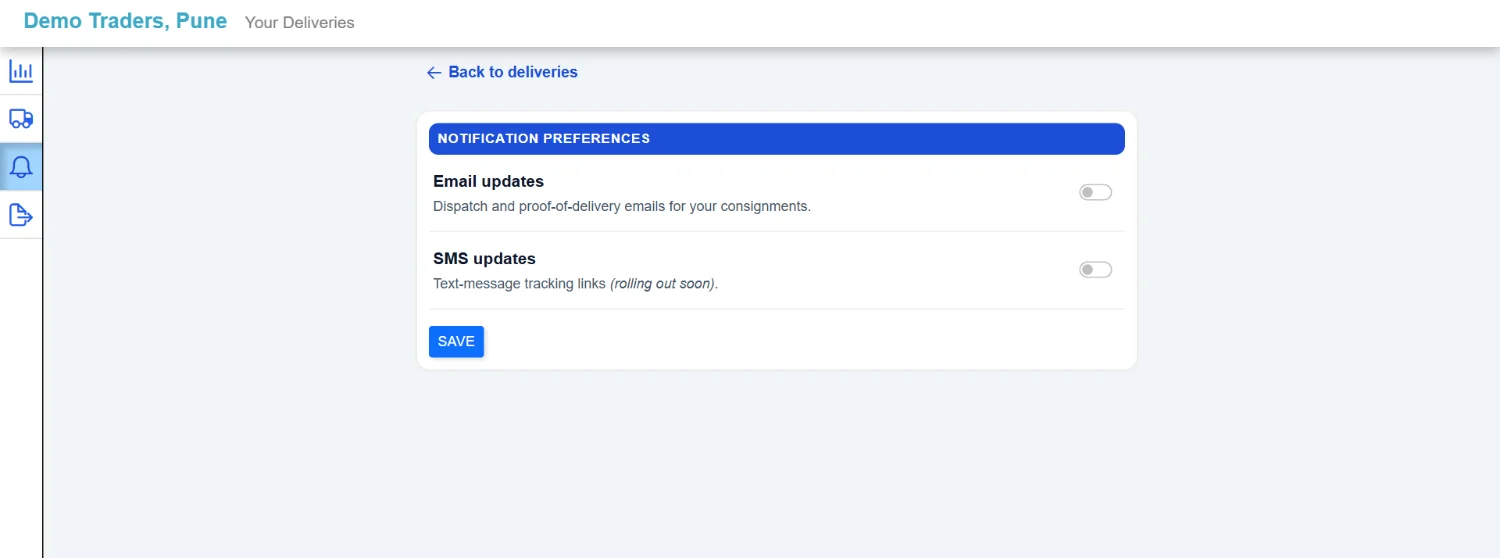
Under Notifications, turn on email updates and press Save.
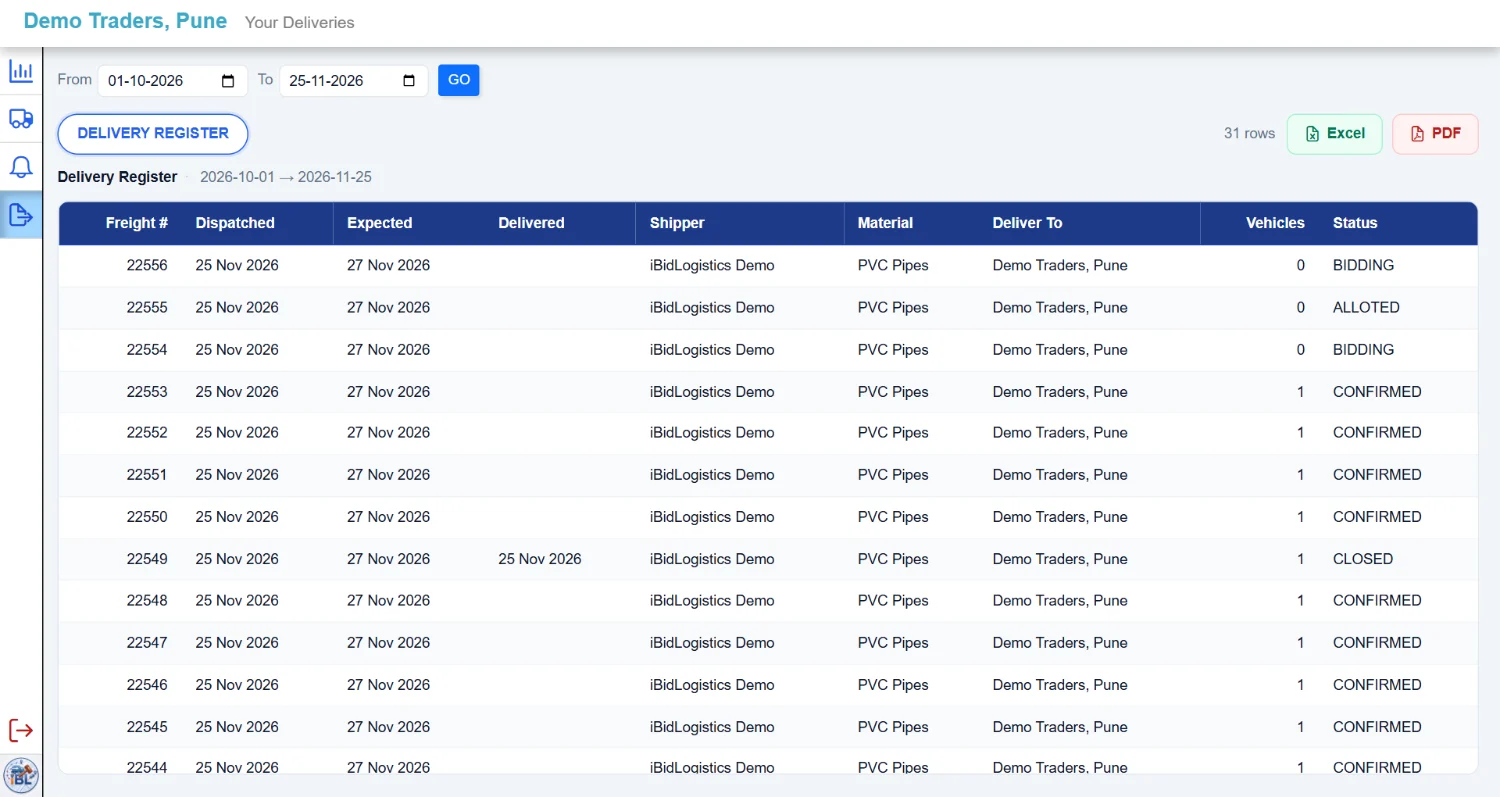
Reports has your delivery register, with Excel and PDF.
6. Messages and what to do
| Message or problem | What to do |
|---|---|
| A delivery is not in the list | Change the dates at the top, or ask the company that sent the goods. |
| The map is empty | The driver has not started sharing the location yet. |
| Number not registered | Your mobile number is not active. Ask your Admin. |
To sign out: Settings, then Log out.
Need help? Write to info@ibidlogistics.com